Bambu Studio “Fix Model” on a Mac: the free browser fix
You load a model, Bambu Studio flags it with non-manifold edges, and the forums tell you to right-click and choose Fix Model. On a Mac, that option isn't there. Here's why, how to tell whether the error matters, and how to repair the file in about a minute without a Windows PC.
Short version: Bambu Studio's repair is a Windows feature. On macOS and Linux, repair the file somewhere else, then swap it back into your project. A browser tool does that without installing anything, and the file never leaves your Mac.
Why Fix Model only works on Windows
Bambu Studio doesn't ship its own mesh repair. Its Fix Model calls a Netfabb-based repair service that is part of Windows 10 and 11. Bambu's wiki says plainly that the feature is supported only on Windows. macOS has no equivalent service to call, so the menu item never appears. Mac users have asked for it for years (GitHub issue #6095). OrcaSlicer, which grew out of Bambu Studio, has had the same Windows-only repair.
So the usual forum advice is “fix it on a Windows machine and bring it back.” That works if you own one.
First: do you even need to fix it?
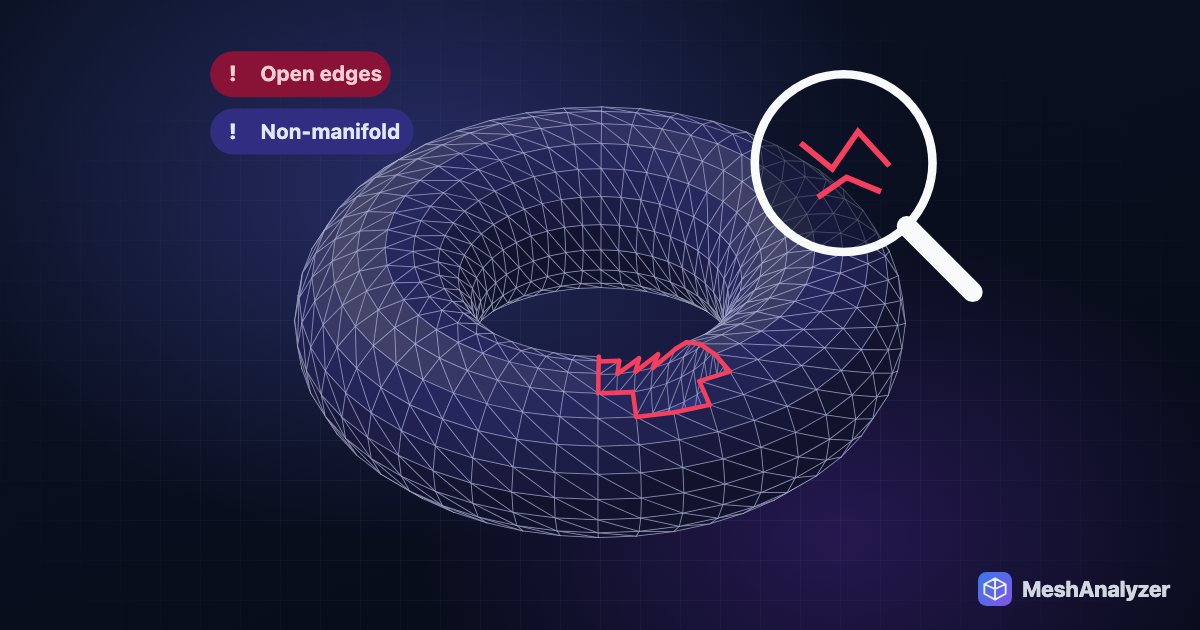
“Non-manifold edges” means some edges in the mesh aren't shared by exactly two triangles. Usually that's a hole, or a sliver of surface sticking out where it shouldn't. Slicers are forgiving, and plenty of flagged models print fine. Check before you spend time on it:
- Slice it and scrub the layer preview around the flagged area. If every layer is complete, print it.
- Repair it if you see missing layers, gaps in walls, a part that vanishes from the preview, or strange infill where there should be solid wall.
Fix it on a Mac in about a minute
- Export the problem part. In Bambu Studio, right-click the object → Export as one STL. Or skip this and use the original .stl or .3mf you downloaded (MakerWorld and Printables files work as they are).
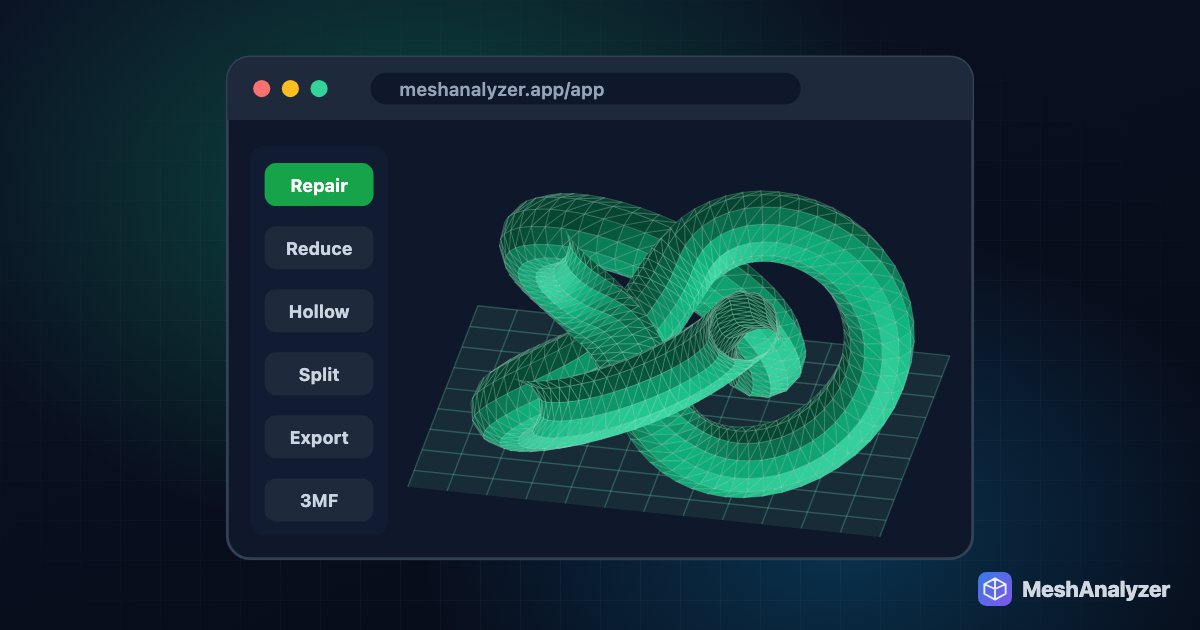
- Open MeshAnalyzer and drop the file in. STL, 3MF, OBJ, STEP and IGES all load straight in, in Safari or Chrome. Nothing is uploaded; it runs on your Mac.
- Read the result. You get a quality score and a plain-English list of what's wrong. Click Show the holes to see exactly where the open edges are on the model.
- Click Auto-Repair. It welds duplicate vertices, closes holes, removes stray fins and flips inverted faces. You see a before/after report, and the surface it added is highlighted in green. If a repair would make the model worse, it is undone automatically.
- Export the clean STL and bring it back into Bambu Studio. Right-click the old object → Replace with STL keeps its position and settings. The warning should be gone.
Repair your file now — free
No install, no upload, no account for your first repair.
▶ Open MeshAnalyzerEvery option on a Mac, compared
| Option | Cost | Install | Effort | Catch |
|---|---|---|---|---|
| Bambu Studio Fix Model | Free | — | 1 click | Windows only |
| A Windows PC or VM | Varies | Windows | High | Parallels or a second machine just to repair files |
| Blender + 3D-Print Toolbox | Free | Large app | High | Powerful, but a steep learning curve for one fix |
| Meshmixer | Free | Yes | Medium | Discontinued by Autodesk; no native Apple Silicon build |
| Other online repair sites | Free | No | Low | Most upload your file to their server; results vary |
| MeshAnalyzer | First repair free | No | 1 click | Unlimited repairs need Pro |
What the error usually is
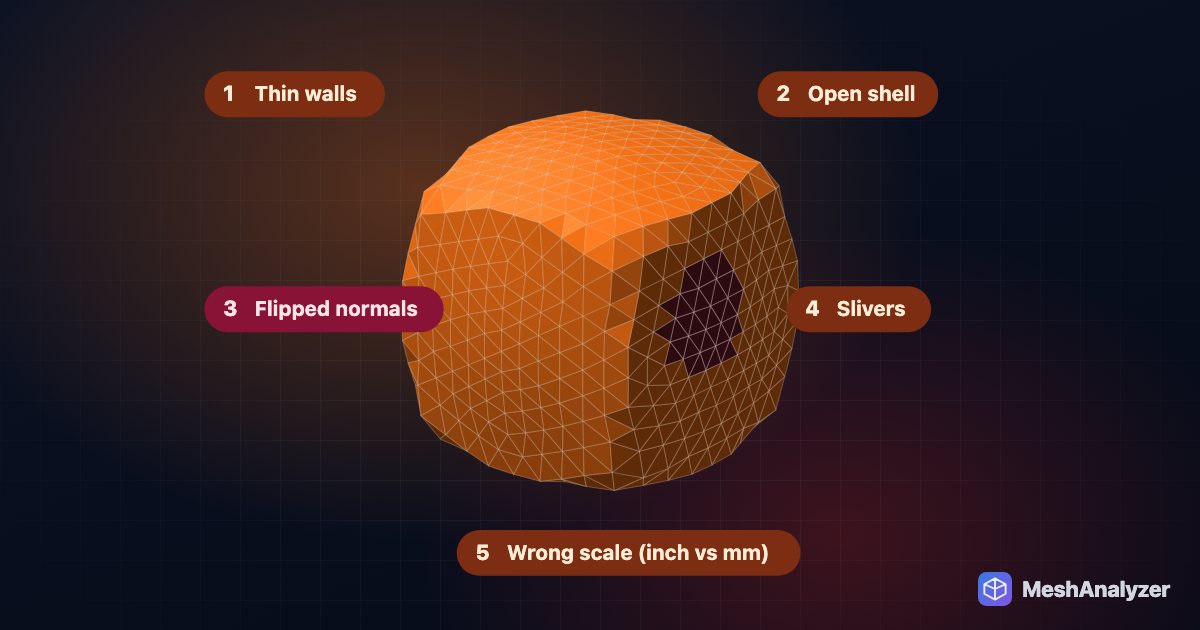
Most non-manifold warnings on downloaded models come from a few causes:
- Small holes: a few missing triangles, often from a sculpt or a 3D scan. Auto-Repair patches these.
- Duplicate or unwelded vertices: the surface looks closed but isn't stitched together. Auto-Repair welds them.
- Stray fins: a single triangle hanging off an edge, so three faces share one edge. Auto-Repair removes it.
- Flipped faces: some triangles point inward, which confuses the slicer about inside and outside. Auto-Repair re-orients them.
- A surface that folds through itself: this is a shape problem, not a stitching problem. Make Solid rebuilds the model as one closed body.
For the full background, see how to fix non-manifold STL files and watertight vs manifold.
FAQ
Why is Fix Model missing in Bambu Studio on Mac?
Bambu Studio repairs models through a Netfabb-based repair service that is part of Windows 10 and 11. macOS and Linux don't have that service, so the option isn't available there.
Is my file uploaded?
No. Analysis and repair run inside your browser on your own computer. The file only leaves your machine if you choose to save it to the cloud workspace.
Can I repair a 3MF from MakerWorld?
Yes. Drop the .3mf straight in, run Auto-Repair, export a clean STL, and use Replace with STL in Bambu Studio to swap it into your project.
Will the repair change the shape of my model?
Auto-Repair only patches holes and fixes connectivity. It doesn't smooth or reduce detail. The patched surface is shown in green so you can check it before exporting.
Does this work on Linux and Chromebook too?
Yes. It runs in Chrome, Safari, Edge or Firefox on macOS, Linux, ChromeOS and Windows.
Is it free?
Checking a model is free with no account. Your first repair is free without signing up, and a free account adds two more. Unlimited repairs are part of the Pro plan.
More reading: How to fix non-manifold STL files · 5 reasons STL prints fail · Free Meshmixer alternative
No Windows PC needed
Drop your STL or 3MF — see what's wrong and fix it in your browser.
▶ Open MeshAnalyzer