How to reduce STL file size (and triangle count) without losing detail
A 400 MB scan or a ten-million-triangle sculpt makes slicers crawl, crash or refuse the file — and model sites cap upload sizes. The fix is simplifying the mesh: fewer, larger triangles in flat areas, detail kept where it shows. Here is how far you can go and how to do it safely.
Short version: your printer can’t print detail smaller than its nozzle or pixel, so most scans and sculpts carry far more triangles than the print can show. Halving the triangle count is usually invisible; going further needs a look at the result.
Why is the file so big?
- 3D scans and photogrammetry produce millions of evenly spaced triangles, even on flat areas.
- Sculpts (ZBrush, Blender) are often exported at full subdivision.
- AI-generated models are frequently dense, uniform meshes.
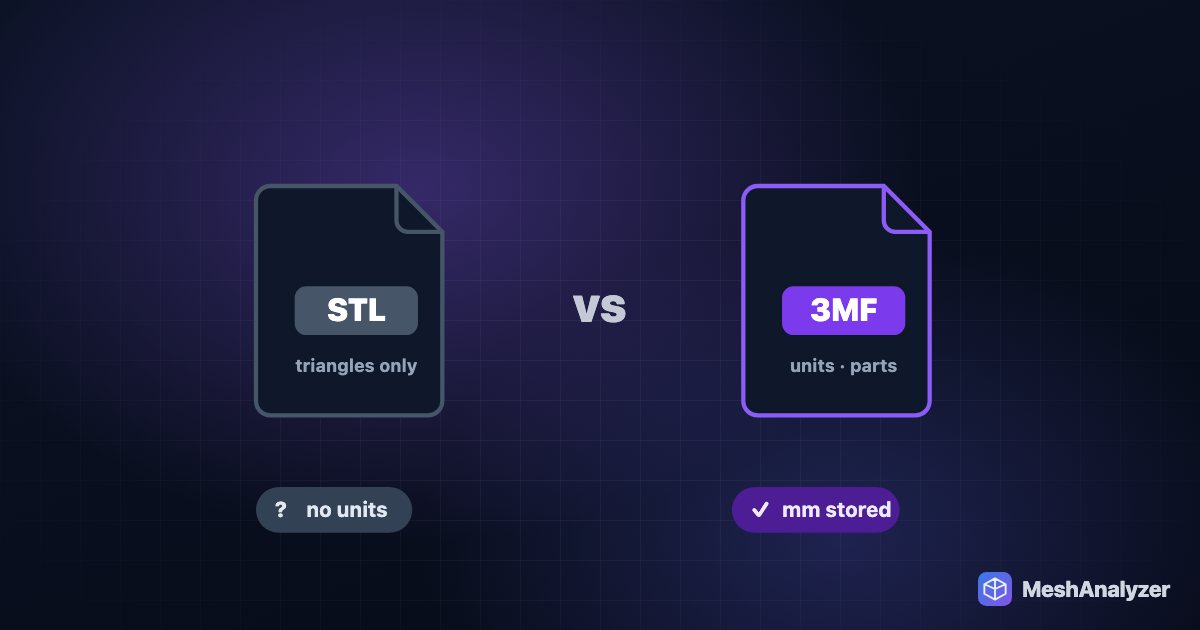
- STL itself stores every triangle’s three corners in full, so an STL is roughly 50 bytes per triangle: 1 million triangles ≈ 50 MB. Exporting the same mesh as 3MF is typically several times smaller with no change at all to the geometry.
How many triangles do you actually need?
A rough rule: a triangle edge much smaller than your nozzle (0.4 mm FDM) or pixel (≈0.03–0.05 mm resin) adds nothing to the print. As a guide:
- Functional parts and simple shapes: tens of thousands of triangles.
- Figures and miniatures on FDM: 200k–500k is plenty.
- Detailed resin miniatures: 500k–2M can still be worth it.
Anything far above that mostly slows your slicer down.
Reduce the triangle count in your browser
- Open the file in MeshAnalyzer. It’s processed locally, so large files don’t have to upload anywhere. Note the triangle count in the toolbar.
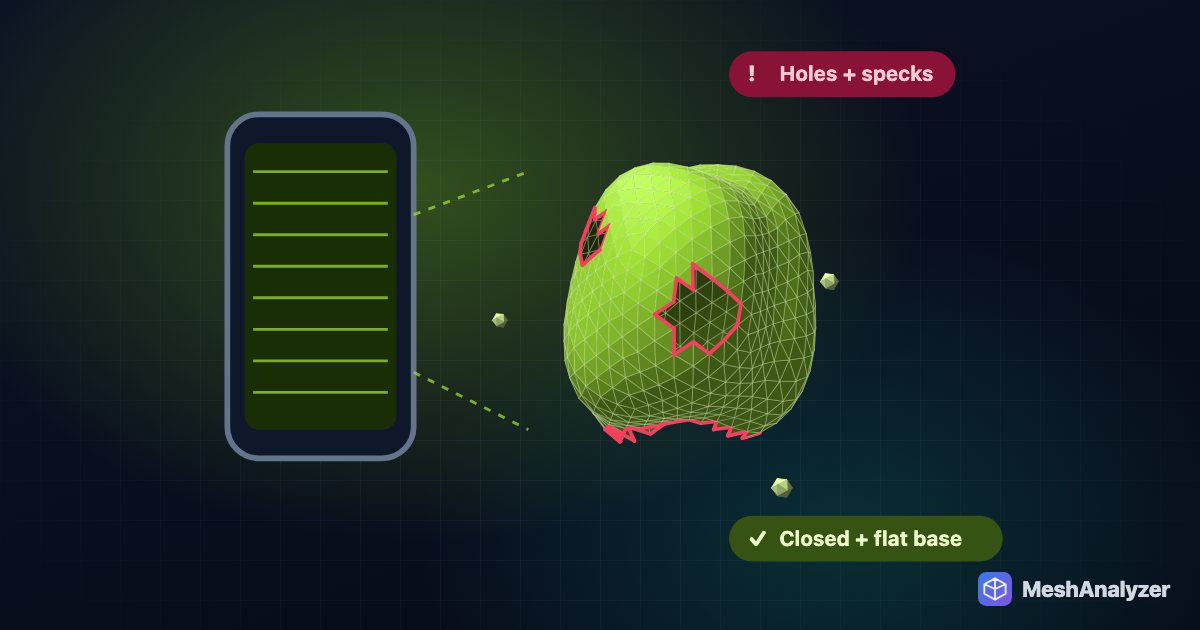
- Repair first if the analysis shows problems. Simplifying a broken mesh can widen the holes; ✨ Auto-Repair before you reduce.
- Click Decimate. It uses quadric edge-collapse — the method most professional tools use — which removes triangles from flat areas first and keeps edges and curvature. Each pass roughly halves the count, gentler on fine-featured meshes.
- Check the result: rotate the model, zoom into faces and edges, and look at the analysis. If the mesh got damaged, the change is rolled back automatically.
- Repeat if you need it smaller, then download 3MF or STL.
Signs you went too far
- Round things — eyes, holes, bolts — turn into polygons.
- Thin parts like fingers or straps collapse or develop holes.
- Lettering and fine texture smear out.
Undo (Ctrl/⌘+Z) and stop one pass earlier.
Other ways to simplify
- Your slicer: OrcaSlicer and PrusaSlicer have a Simplify model option — handy once the file opens at all.
- Blender: the Decimate modifier gives fine control if you already use Blender.
- MeshLab: Quadric Edge Collapse Decimation is powerful but can leave small holes; check the result.
FAQ
How do I make an STL file smaller?
Export it as 3MF, which is usually several times smaller with identical geometry, and reduce the triangle count with a decimation tool such as MeshAnalyzer’s Decimate if it is still too large.
Does reducing the triangle count lower print quality?
Only if you go too far. Detail smaller than your nozzle or resin pixel can’t print anyway, so halving the count of a dense scan or sculpt is usually invisible.
Why won’t my slicer open a large STL?
Files with millions of triangles can exhaust memory or take minutes to slice. Simplify the mesh first, or convert to 3MF.
What is decimation?
Decimation removes triangles while keeping the overall shape. Quadric edge-collapse, used by MeshAnalyzer, removes triangles from flat areas first and keeps sharp edges and curves.
Is there a file size limit in MeshAnalyzer?
Files are processed on your own computer, so the limit is your device’s memory rather than an upload cap. Very large meshes load faster in Chrome or Edge on a desktop.
More reading: How to make a 3D scan printable · How to 3D print an AI-generated model · 3MF vs STL: which file should you give your slicer?
Shrink a heavy mesh in seconds
Quadric decimation with automatic rollback if detail breaks — in your browser.
▶ Open MeshAnalyzer