How to convert STEP to STL (or 3MF) for 3D printing — without CAD software
Engineers, suppliers and parts libraries share STEP files. Slicers want meshes. If you don’t have Fusion, SolidWorks or FreeCAD on the machine in front of you, here is how to turn a STEP or IGES file into a print-ready STL or 3MF in a browser — and the three things to check before you hit print.
Short version: open the STEP file in a tool that can read CAD geometry, check the size and that the mesh is closed, then export a 3MF (or STL). The conversion is the easy part; catching a wrong unit or a broken assembly before you print is what saves filament.
STEP vs STL in one minute
- STEP (.step, .stp) and IGES (.iges, .igs) store exact CAD geometry: true circles, true planes, real units. They are what you get from Fusion, SolidWorks, Onshape, McMaster-Carr or a supplier's download page.
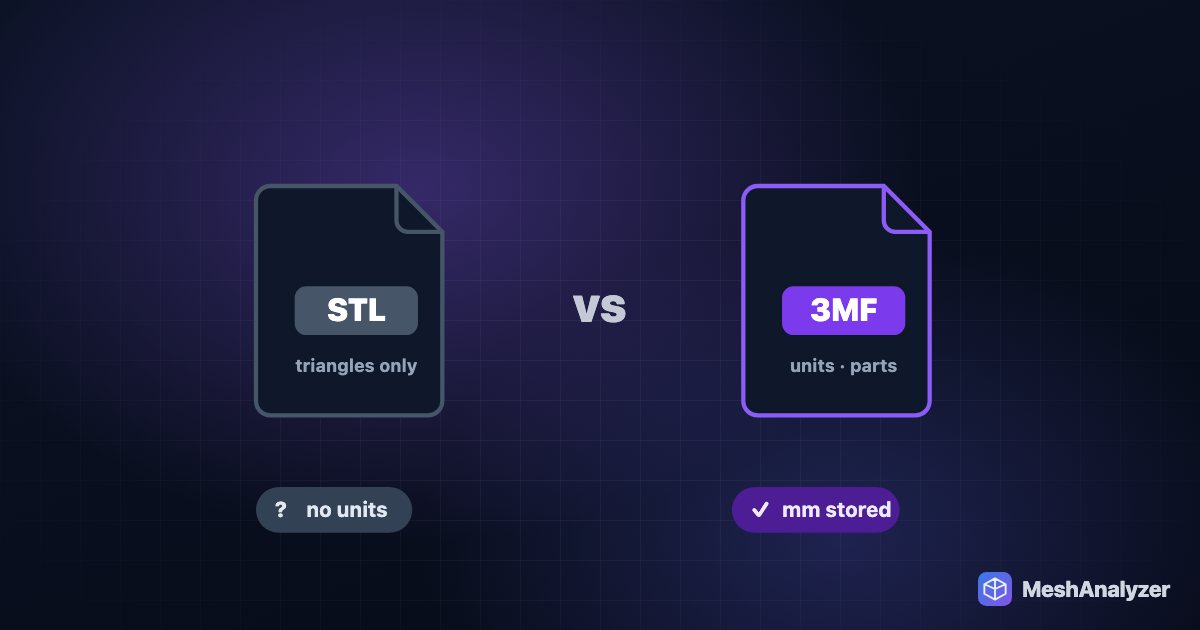
- STL stores only triangles — an approximation of the surface — and no units at all.
- 3MF also stores triangles, but in a zipped package that records the unit (millimetres) and can hold several objects, colours and slicer settings.
Most slicers want a mesh. Some — recent PrusaSlicer and Bambu Studio / OrcaSlicer builds — can import STEP directly, but they give you little control and no report of what went wrong if the file is odd.
Convert STEP to STL or 3MF in your browser
- Open MeshAnalyzer and drop in the .step, .stp, .iges, .igs or .brep file. The CAD file is read on your computer by OpenCascade (the same open-source kernel FreeCAD uses) compiled to run in the browser. Nothing is uploaded, which matters for customer or NDA parts.
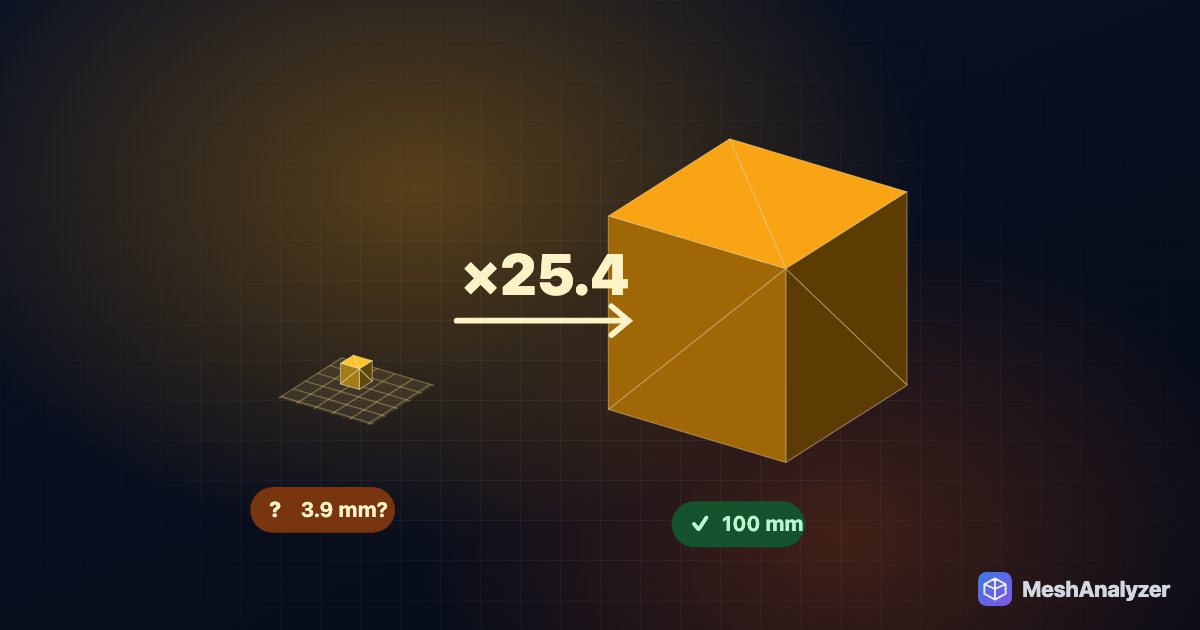
- Check the size. The toolbar shows the bounding box in millimetres. A 40 mm bracket should read about 40 mm — if it reads 1 mm or 1000 mm, see the unit note below.
- Read the analysis. A good CAD export comes out watertight with a high score. If you see open edges, the STEP file has gaps between faces (common with IGES); click ✨ Auto-Repair.
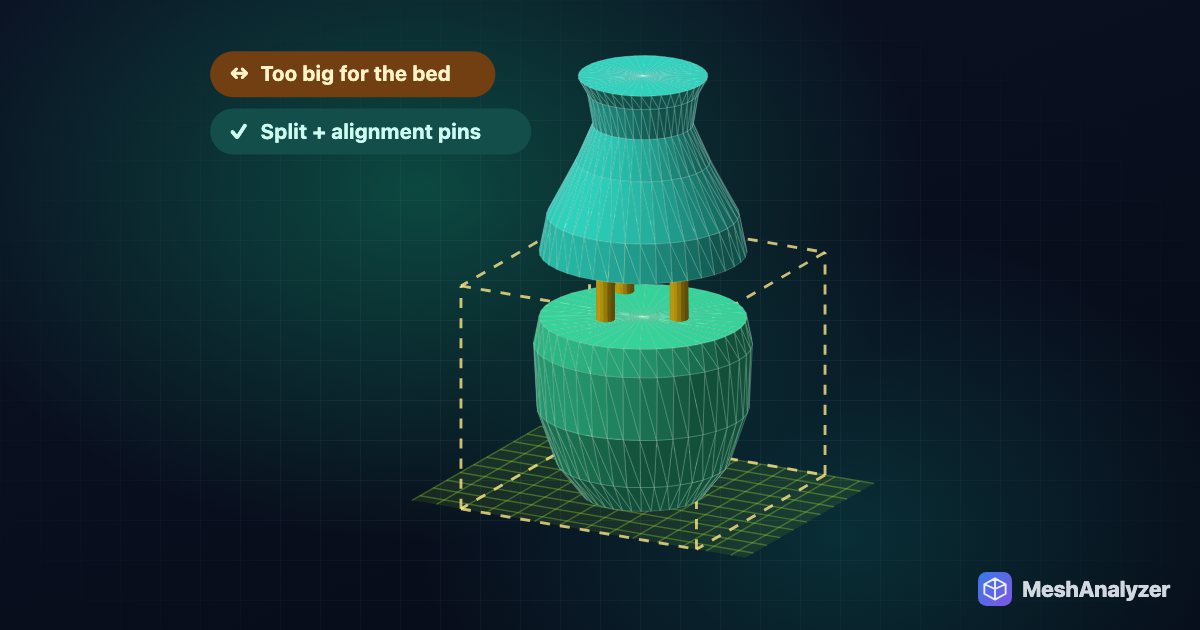
- Pick your printer under Fit My Printer to confirm it fits the bed — and use Auto-Orient if you want a suggested print orientation.
- Download 3MF (recommended) or STL from the Download button, and open it in Bambu Studio, OrcaSlicer, PrusaSlicer or Cura.
Three things that go wrong with STEP files
1. Assemblies come in as one lump
A STEP assembly (a hinge with its pin, an enclosure with its lid) is converted as one mesh made of several closed bodies. That is fine to print as-is if the parts were designed to be printed together, but usually you want them separately. Export each part from CAD on its own, or in your slicer use Split → To objects on the imported 3MF to separate the bodies.
2. Touching or overlapping bodies
Two bodies that touch or overlap (a boss sitting on a plate, modelled as separate solids) are reported as overlapping parts. Slicers merge overlapping closed bodies automatically, so this usually prints fine. If you want a single clean body — for example to hollow it or cut it — use 🧊 Make Solid.
3. Curves look faceted
Every conversion approximates curves with flat triangles. For normal FDM parts the default resolution is well below what a 0.4 mm nozzle can show. For large, smooth curved parts printed on resin, re-export from your CAD tool with a finer mesh setting if you have it.
What about free online converters?
Plenty of sites convert STEP to STL in one click, and several now run in the browser too. The difference is what happens after the conversion: a plain converter hands you a file and leaves you to find out in the slicer whether it’s the right size, closed and fits your bed. MeshAnalyzer shows you all three before you download, and can repair, orient, scale or split the part in the same tab.
FAQ
Can I convert STEP to STL without CAD software?
Yes. MeshAnalyzer opens STEP, IGES and BREP files in the browser and exports STL or 3MF. It runs on Windows, macOS, Linux and ChromeOS with nothing to install.
Is my STEP file uploaded when I convert it?
No. The CAD file is read and converted on your own computer by OpenCascade running in the browser. It is never sent to a server.
Should I export STL or 3MF from a STEP file?
3MF if your slicer supports it — Bambu Studio, OrcaSlicer, PrusaSlicer and Cura all do. 3MF stores the unit, so the part keeps its real size. Use STL when a service or older tool asks for it.
Why is my converted part the wrong size?
STL has no units. If the part was modelled in inches it can arrive 25.4 times too small. Check the size in millimetres before downloading, and prefer 3MF, which carries the unit.
Can Bambu Studio or PrusaSlicer open STEP files directly?
Recent versions can import STEP. Converting first is still useful when you want to see the real size, check for gaps, repair, orient or split the part before slicing.
More reading: 3MF vs STL: which file should you give your slicer? · STL imports tiny or huge? Fix inches vs millimetres · How to split an STL that is too big for your 3D printer
Turn a STEP file into a print-ready 3MF
Open it, check size and fit, export — free, nothing uploaded.
▶ Open MeshAnalyzer